使用 After Effects 界面
An in-depth introduction to digital effects application tools课程简介
Adobe After Effects is a digital visual effects, motion graphics, and compositing application developed by Adobe Systems. It’s used in post-production for filmmaking, video games and television production. It can be used to make animated logos, illustrations, infographics or simple video presentations. After Effects uses nondestructive editing. It allows you to make changes without overwriting the original data. AE makes a link to the source materials and allows you to create effects after the fact. Adobe provides great tools that can allow you to keep all your files for future editing.
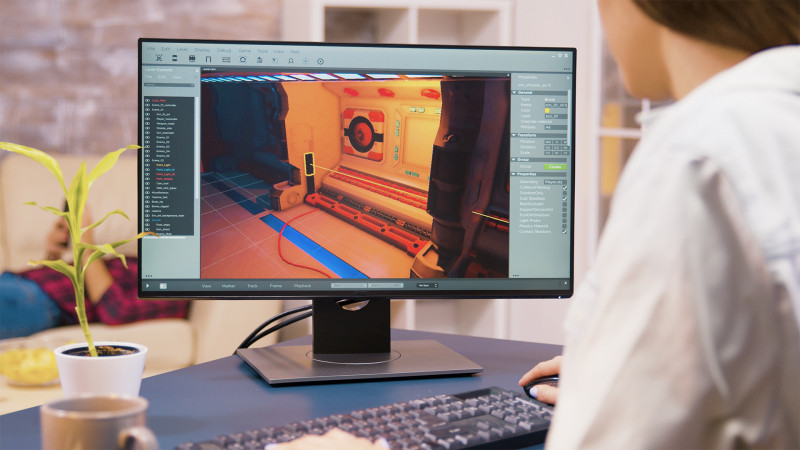
In this course, you’ll learn about the Adobe After Effects interface and how to navigate the project windows or panels. You’ll learn how to import and organize files and how to work with compositions and footage in your project window. We’ll also go over the composition and timeline windows. You’ll also know how to control layers using switches.
This course provides an in-depth introduction to tools in the Adobe After Effects interface. It discusses tools in the project, composition, and timeline panels.
您将学到的内容
- 识别 Adobe After Effects 界面中的可用工具
- 在项目、合成和时间线面板中进行导航
- 在项目窗口中导入和整理文件
- 在项目窗口中处理合成和素材
- 使用图层开关控制图层
- 使用 After Effects 模板
关键要点
- Adobe After Effects 是一款数字视觉特效、动态图形和合成应用程序,广泛用于电影制作、视频游戏和电视制作的后期制作。
- After Effects 可用于制作动态标志、插图、信息图表或简单的视频演示。
- After Effects 采用非破坏性编辑方式,通过链接源素材进行操作,使您在不覆盖原始数据的情况下进行修改。
- 本课程深入介绍 After Effects 界面中项目、合成和时间线面板的相关工具。
- After Effects 中的图层可通过时间线中的开关进行控制。
常见问题
本课程涵盖哪些内容?
本课程涵盖 Adobe After Effects 界面,包括如何在项目窗口或面板中导航、导入和整理文件、在项目窗口中处理合成和素材、使用合成和时间线窗口、通过开关控制图层,以及使用 After Effects 模板。
Adobe After Effects 有哪些用途?
Adobe After Effects 是一款数字视觉特效、动态图形和合成应用程序,用于电影制作、视频游戏和电视制作的后期制作,同时也可制作动态标志、插图、信息图表或简单的视频演示。
通过本课程我能学到哪些技能?
您将学会识别 Adobe After Effects 界面中的工具,使用项目、合成和时间线面板,以及使用 After Effects 模板。
After Effects 中的非破坏性编辑是什么意思?
非破坏性编辑允许您在不覆盖原始数据的情况下进行修改;After Effects 通过链接源素材,让您在事后创建特效,同时保留文件以供将来编辑使用。