Enjoying the preview?
This is the free first lesson. Get full access: request a demo or sign in.
Enjoying the preview?
This is the free first lesson. Get full access: request a demo or sign in.
This Microsoft Word 2021 Intermediate course provides you with a deeper understanding of Microsoft Word and its functionality. This course provides learners with skills needed to take on several topics in Microsoft Word.
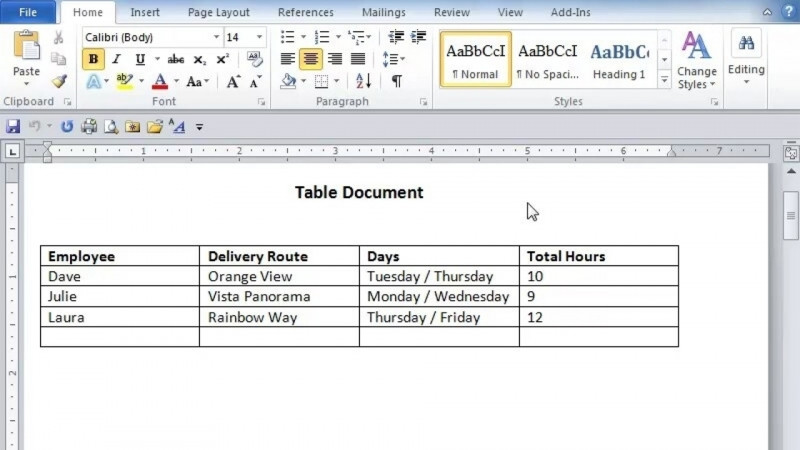
This course begins by diving into the Illustrations group tools and the Draw Ribbon where you will learn how these can help you add visual appear to any kind of document. You will then learn how you can use tables to add further visual appeal as well as organization to your documents. Explore the various table tools and options, both within Microsoft Word 2021 and Excel spreadsheets. You will also discover how to use headers and footers to add important document information, and you will see the various options and methods you can use to both create and edit headers and footers. You will also see how you can add your own visual touch to headers and footers. The lessons will cover document revisions, the use of comments, and how to track changes in your document. You’ll learn how to view a history of changes made by yourself or others, how to use comments, and see tracking changes that can be enabled or disabled in a document. After this, you will gain knowledge on how you can search for and replace text within your document, as well as the many ways that you can change the appearance of text to increase the visual appeal of your document. You will see how paragraphs can be edited through alignment, shading, and borders, and how you can create a variety of lists for your document. Finally, you will learn how to utilize options for co-authoring, various cloud-based tools, and how to add an extra layer of protection through password protection.
It provides a deeper understanding of Microsoft Word and its functionality, covering the Illustrations group and Draw Ribbon, tables, headers and footers, document revisions, comments, tracking changes, searching and replacing text, formatting text and paragraphs, lists, co-authoring, cloud-based tools, and password protection.
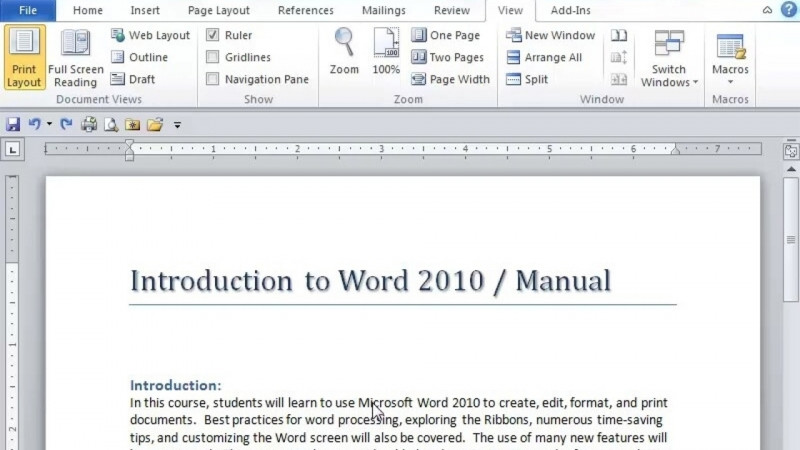
You will learn to navigate efficiently within Microsoft Word 2021, understand the different features and functions of the available menus, identify where to locate different features and functions, and discover how to edit, share, and password protect your documents.
The course focuses on Microsoft Office, Microsoft Word, Word Processing, and Document Preparations.
Yes. It covers co-authoring, sharing documents, cloud-based tools, and adding an extra layer of protection through password protection.