KnowledgeCity

Word 2010 New Features

Get up to speed with the new features of Word 2010.
Preview the first lesson free — get full access to all 34 lessons.

To view this video please enable JavaScript.

Course: On-Demand
Beginner  Provider Yvonne D. Kapano  12 chapters ·  34 Lessons ·  34m  in Arabic, English, Spanish 

Course Description

Discover the difference between Microsoft Word 2010 and its previous versions, specifically Word 2007. Learn about the new enhancements of the most frequently used features and discover how to work with them.

What You'll Learn

  • Distinguish the differences between Microsoft Word 2010 and earlier versions, specifically Word 2007
  • Navigate the new File tab, Backstage View, Options Menu, and Recent Documents
  • Apply the Themes group and preview formatting changes with Live Preview
  • Enable editing and protect documents using Word 2010's tools
  • Use the Find feature, the Navigation Pane, and document views and browsing techniques
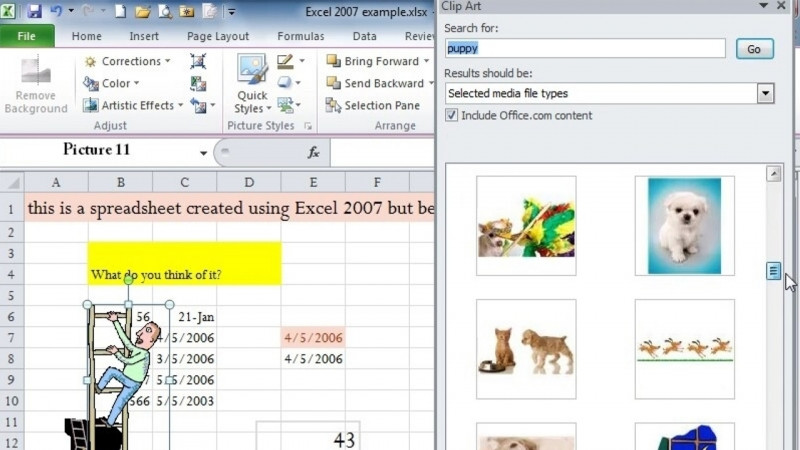
  • Apply artistic effects, the background removal tool, and co-author documents

Key Takeaways

  • The course explains how Word 2010 differs from previous versions, with a focus on the changes from Word 2007.
  • Word 2010 introduces the File tab and Backstage View for managing documents, options, recent documents, and the language tool.
  • The course covers enhancements to frequently used features, including themes, Live Preview, the floating tool, and pasting formatting.
  • Learners explore document protection, enabling editing, customizing the ribbons, and co-authoring documents.
  • New visual capabilities such as artistic effects and the background removal tool are demonstrated.

Frequently Asked Questions

What does this course cover?

It covers the differences between Microsoft Word 2010 and previous versions, specifically Word 2007, and the new enhancements to the most frequently used features and how to work with them.

Which Word version is this course about?

The course focuses on Microsoft Word 2010 and how it compares to its previous versions, specifically Word 2007.

What specific Word 2010 features are taught?

Topics include the File tab, Backstage View, the Options Menu, Recent Documents, the Language Tool, the Themes group, Live Preview, enabling editing, protecting documents, the floating tool, pasting formatting, the Find feature, the Navigation Pane, views and browsing techniques, customizing the ribbons, artistic effects, the background removal tool, and co-authoring documents.

What skills will I gain from this course?

The course builds skills in Microsoft Office, Microsoft Word, Word Processing, Document Comparison, Word VBA, and toward becoming a Microsoft Office Specialist.