KnowledgeCity

Excel 2010 Introduction

Create spreadsheets and perform basic calculations with formulas.
Preview the first lesson free — get full access to all 123 lessons.

To view this video please enable JavaScript.

Course: On-Demand
Beginner  Provider Valerie Chau  14 chapters ·  123 Lessons ·  9h 16m  in Arabic, English, Spanish 

Course Description

Learn the basics of Microsoft Excel 2010, the popular spreadsheet program. Begin with a tour of the Excel Window and learn how to create a worksheet, add and edit data and images, and save for printing in various formats. Discover the various built-in math, financial, and text related functions that Excel provides. Begin your journey toward becoming proficient in creating professional spreadsheets in Excel 2010.

What You'll Learn

  • Navigate the Excel 2010 window, including the Ribbon tabs, Formula Bar, Status Bar, and Quick Access Toolbar
  • Create worksheets and add, edit, and exit data within Excel 2010
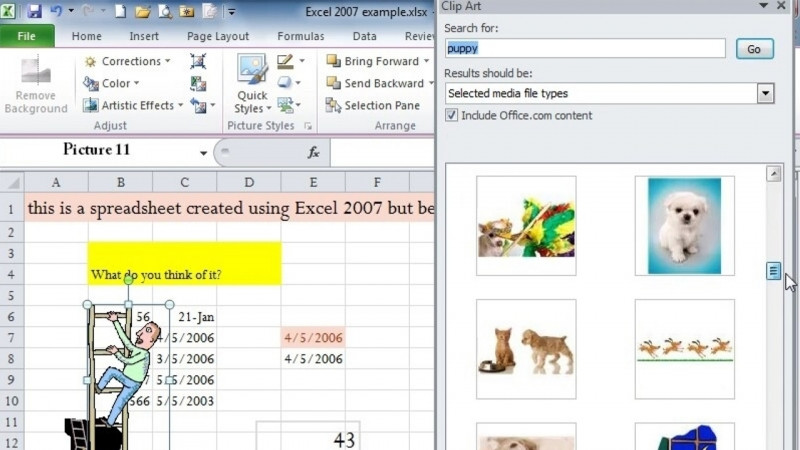
  • Insert and edit images in a worksheet
  • Use Excel's built-in math, financial, and text-related functions
  • Save and send workbooks in Excel formats as well as HTML and PDF, and prepare them for printing
  • Open, close, and recover files using AutoRecover, and manage Excel options and Help

Key Takeaways

  • Excel 2010 is a popular Microsoft spreadsheet program for creating professional spreadsheets.
  • The course covers the Excel window's main components, including the Quick Access Toolbar, Worksheets, File Button, Ribbon Tabs, Formula Bar, and Status Bar.
  • The Ribbon includes Home, Insert, Page Layout, Formulas, Data, Review, and View tabs, and can be collapsed.
  • Excel 2010 supports saving files in Excel formats as well as in HTML and PDF, and includes AutoRecover for file protection.
  • This is an introductory course intended to start learners toward proficiency in creating professional spreadsheets in Excel 2010.

Frequently Asked Questions

Who is this course for?

It is an introductory course for people who want to learn the basics of Microsoft Excel 2010 and begin working toward becoming proficient in creating professional spreadsheets.

What does the course cover?

It covers a tour of the Excel window, creating worksheets, adding and editing data and images, saving for printing in various formats, and Excel's built-in math, financial, and text-related functions.

What skills will I gain?

The course addresses skills including Microsoft Excel, Spreadsheets, Excel Macros, Excel Services, SpreadsheetML, and Microsoft Office Specialist (MOS) - Excel.

What file formats can I save my work in?

The course shows how to save in Excel formats as well as in HTML and PDF, and it covers AutoRecover, opening and closing files, and saving and sending.

Do I need prior Excel experience?

This is an introductory course that begins with a tour of the Excel window and the basics of creating a worksheet, so it is designed for those starting out with Excel 2010.