KnowledgeCity

Publisher 2007 Advanced

Learn more about the advanced features and tools of Publisher 2007.

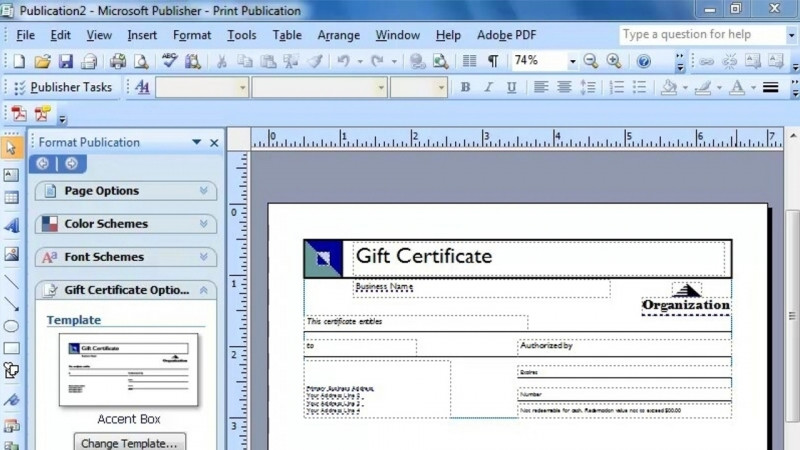
Learn more about the advanced features and tools of Publisher 2007. Discover how to create a newsletter, brochure, greeting card, poster, and website. Enhance your project by inserting and formatting tables and graphics, and gain valuable tips on writing effectively and working with images.

Author: ديبورا سايبل ثورنبرو

Duration: 2h 10m · 43 lessons
Language: English

Skills you’ll gain

Adobe Digital Publishing SuiteAdvanced Authoring FormatDesktop PublishingMicrosoft PublisherPublication DesignWeb Publishing

What You'll Learn

  • Create newsletters, brochures, greeting cards, posters, and websites using Publisher 2007
  • Insert and format tables and text boxes in your publications
  • Insert and format graphics, including grouping and layering them
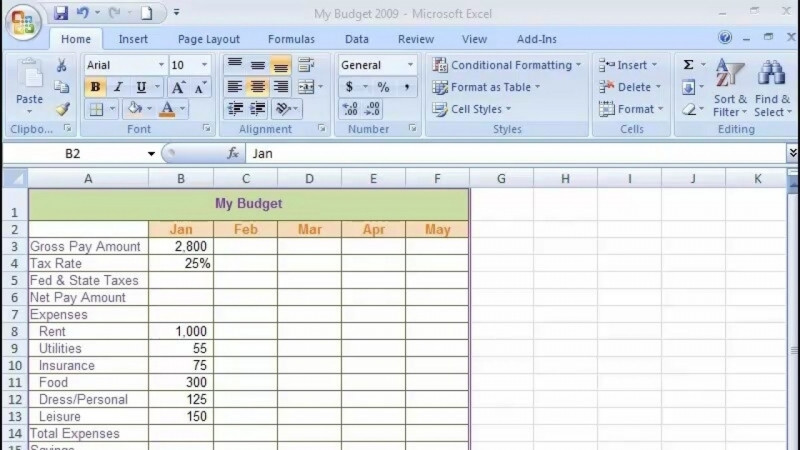
  • Insert an Excel chart into a publication
  • Set up business information and apply it to newsletter and brochure templates
  • Modify layouts by changing brochure layouts, placing tear-off forms, and editing posters

Key Takeaways

  • The course covers the advanced features and tools of Publisher 2007.
  • Learners work with newsletters, brochures, greeting cards, posters, and websites.
  • Projects can be enhanced by inserting and formatting tables and graphics.
  • The course includes tips on writing effectively and working with images.
  • Lessons cover setting up business information and using templates for newsletters and brochures.

Frequently Asked Questions

What does the Publisher 2007 Advanced course cover?

It covers the advanced features and tools of Publisher 2007, including how to create a newsletter, brochure, greeting card, poster, and website, plus inserting and formatting tables and graphics.

What types of publications will I learn to create?

You will learn how to create a newsletter, brochure, greeting card, poster, and website.

Will the course teach me to work with tables and graphics?

Yes. It covers inserting and formatting tables and graphics, including inserting text boxes, grouping and layering graphics, and inserting an Excel chart.

Does the course include any guidance beyond using the software's tools?

Yes. It provides valuable tips on writing effectively and working with images.

What greeting card and poster topics are included?

It covers business and personal greeting cards, creating and modifying greeting card text, plus banner posters, standard posters, and editing a poster.
Transcript

Show transcript (free preview lesson)

Transcript of the free preview lesson. Remaining lessons unlock with the full course.

Welcome to Knowledge City's Advanced Microsoft Publisher 2007 course. My name is Deborah and I'm your instructor. Publisher is a desktop publishing software application for designing and creating the kinds of documents used in publishing, marketing, and advertising. This course is designed for people who have used the basics of Microsoft Publisher before and would like to learn more about its advanced features and tools. In this video-centric series of lessons, you're going to learn how to create a newsletter, a brochure, a greeting card, and a website.

Learn on the Go

Take your learning anywhere — the KnowledgeCity mobile app lets you watch lessons on the go.