Course Description
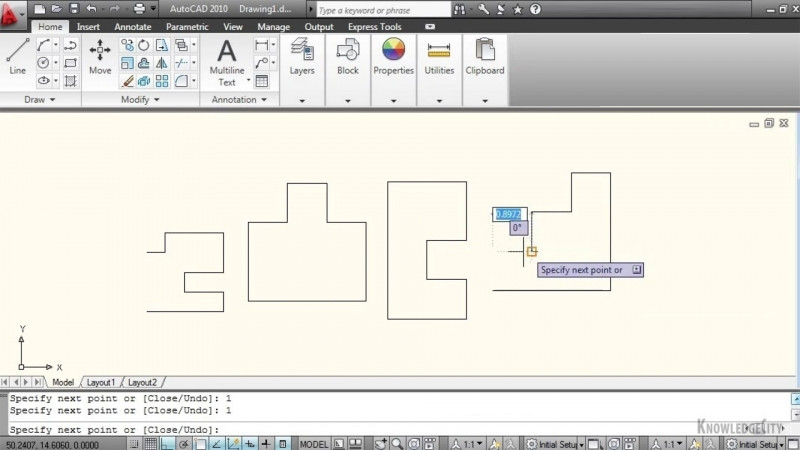
Understanding the tools, settings, and interfaces in AutoCAD workspaces These lessons introduce AutoCAD workspaces and what can be saved within a workspace. You’ll examine the quick access and status bar settings and how they work within your workspace. This chapter will also teach you about the CUI (customize user interface) command, and a few of the ways you can use this interface to manipulate your workspace and AutoCAD interface.
What You'll Learn
- Understand the key settings available within AutoCAD workspaces
- Manipulate and configure workspaces to suit your needs
- Customize the AutoCAD interface using the CUI (customize user interface) command
- Configure the Quick Access Toolbar and Status Bar settings within your workspace
- Recreate the classic AutoCAD workspace
- Customize the workspace using the workspace editor
Key Takeaways
- AutoCAD workspaces store tools, settings, and interface configurations that can be saved within a workspace.
- The Quick Access Toolbar and Status Bar settings work within your workspace and can be adjusted.
- The CUI (customize user interface) command provides ways to manipulate your workspace and the AutoCAD interface.
- It is possible to recreate the classic AutoCAD workspace as part of customizing your environment.
Frequently Asked Questions
What does this course cover?
This course introduces AutoCAD workspaces and what can be saved within a workspace, examines the Quick Access and Status Bar settings, and teaches the CUI (customize user interface) command and ways to use it to manipulate your workspace and AutoCAD interface.
What are the learning objectives of this course?
The learning objectives are to understand key settings, manipulate workspaces, and customize interfaces.
What topics are included in the lessons?
The lessons cover Introducing Workspaces, Workspace Settings, Quick Access Toolbar and Status Bar, Recreating the Classic Workspace, and Customizing the Workspace Editor.
What skills does this course relate to?
This course relates to skills including AutoCAD, AutoCAD Architecture, and Autodesk AutoCAD Certified User.