KnowledgeCity

InDesign CS3 Introduction

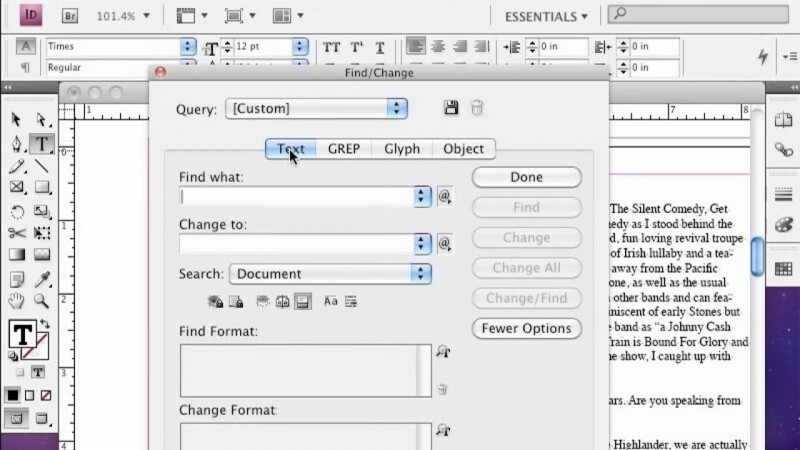
Learn the basics of working with text in a layout.
Preview the first lesson free — get full access to all 15 lessons.

To view this video please enable JavaScript.

Course: On-Demand
Beginner  Provider Al Delino  15 Lessons ·  2h 16m  in Arabic, English, Spanish 

Course Description

Become your own publisher with InDesign CS3. Learn to create polished, professional works such as brochures, books, magazines, and more. This introductory course covers the basics of page layout, tool use, and the creation of multipage projects.

What You'll Learn

  • Navigate the InDesign CS3 workspace and customize your layout environment
  • Use core InDesign tools to create and edit shapes and apply transparency
  • Format and manage text, including working with text count
  • Design a multipage project by building a business card step by step
  • Create a multipage newsletter from layout to finished publication
  • Apply page layout basics to produce professional works such as brochures, books, and magazines

Key Takeaways

  • This introductory course covers the basics of page layout, tool use, and the creation of multipage projects in InDesign CS3.
  • Learners practice with hands-on projects, including creating a business card and a newsletter across multiple parts.
  • The course teaches use of InDesign tools, shapes, transparency, and working with text.
  • InDesign CS3 can be used to create polished, professional works such as brochures, books, and magazines.

Frequently Asked Questions

Who is this course for?

It is an introductory course for people who want to become their own publisher and create polished, professional works such as brochures, books, and magazines using InDesign CS3.

What will I create in this course?

The course includes hands-on projects where you create a business card and a newsletter, each built across multiple parts.

What topics does the course cover?

It covers the basics of page layout, tool use, shapes, transparency, working with text, and the creation of multipage projects.

Is this course suitable for beginners?

Yes. It is an introductory course covering the basics of page layout, tool use, and the creation of multipage projects.